
Executive assistants and PAs rejoice! We’re pleased to announce the release of the brand new online booking portal for The Summit Executive Chauffeurs. You can now manage your own bookings, add special requests and add extra stops to your journey, all from your mobile device or desktop.
Here’s how The Summit portal works
If you haven’t used The Summit before, you will still need to make your initial enquiry through the website or social media channels. From there you can register as a member user.
- As a registered member, you will receive a personal booking link to the online portal. Bookmark this link to your favourites bar because you’ll need to come back more than once!
- When you click the link to the portal, you will generate an email for password setup
Ready to book your executive chauffeur
The first step of managing your own chauffeur booking is providing details of the outward journey.
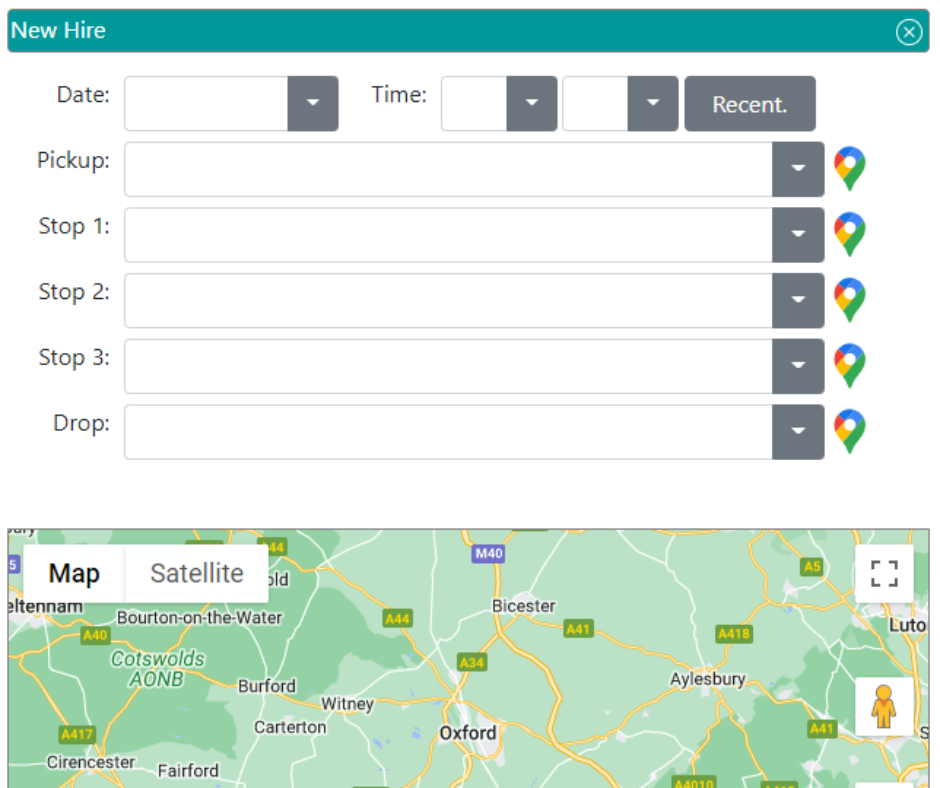
This includes your pickup point and time, any stops along the journey and your destination. You will also have the opportunity to include any special requests for refreshments or onboard items such as printers, refrigerator or lap desk, for example.
Select book, to confirm the outward journey.
Next, choose your vehicle
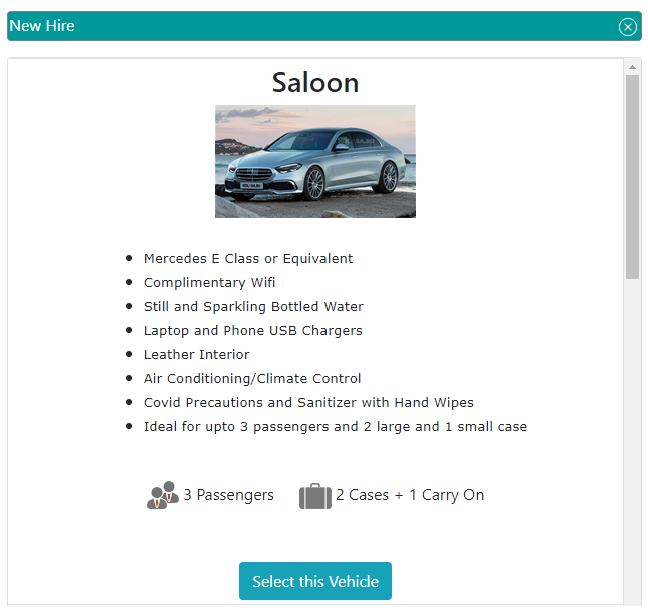
Select from:
- Executive saloon for up to 3 passengers and 2 cases, plus 1 carry on
- Luxury people carrier for up to 6 passengers and 4 check-in bags, plus 2 carry on
- Luxury saloon for 3 passengers with 2 check-in bags, plus 3 carry on.
You will then be asked if you wish to book a return journey, where you can have differing numbers of guests and choose a different car is you so wish.
The portal handily completes the pickup and destination for you from the information you provided in the outward journey, however, you can change this if you need to. Again, you can enter additional stops and special requests to make your journey more comfortable.
Making changes to your chauffeur booking
If, at a later date you wish to add extra stops or special requests, change the destinations, the vehicle or timings, all this can be managed through the Hire List section of your portal.
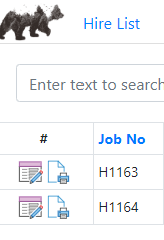
Here you will see a list of all the bookings you have live and completed, with access to the pdf booking confirmation documents for your files.
If you would like to register as a regular guest of The Summit Executive Chauffeurs, please make contact with us via the website or any of our social channels and we’ll get you set up. Members benefit from personal access to this easy to use portal, and lower prices.
Any questions?
If you’re not sure how to use the portal, or if you have a suggestion for improvements, we’d like to hear from you. We strive for excellence at every opportunity and want to make our services as easy and intuitive to use as possible. We look forward to driving you.